TextingImage Generation
From a little idea to a whole picture.
Describe a scene, a mood, or a moment you’d like to see. Characters with image generation can bring that idea into your chat.
How it works
- 01
Choose a character with the image-generation icon on their card.
- 02
Type your image request, including the details you have in mind.
- 03
Send your request to your character.
- 04
Give it a moment, then ask for a change if you’d like.
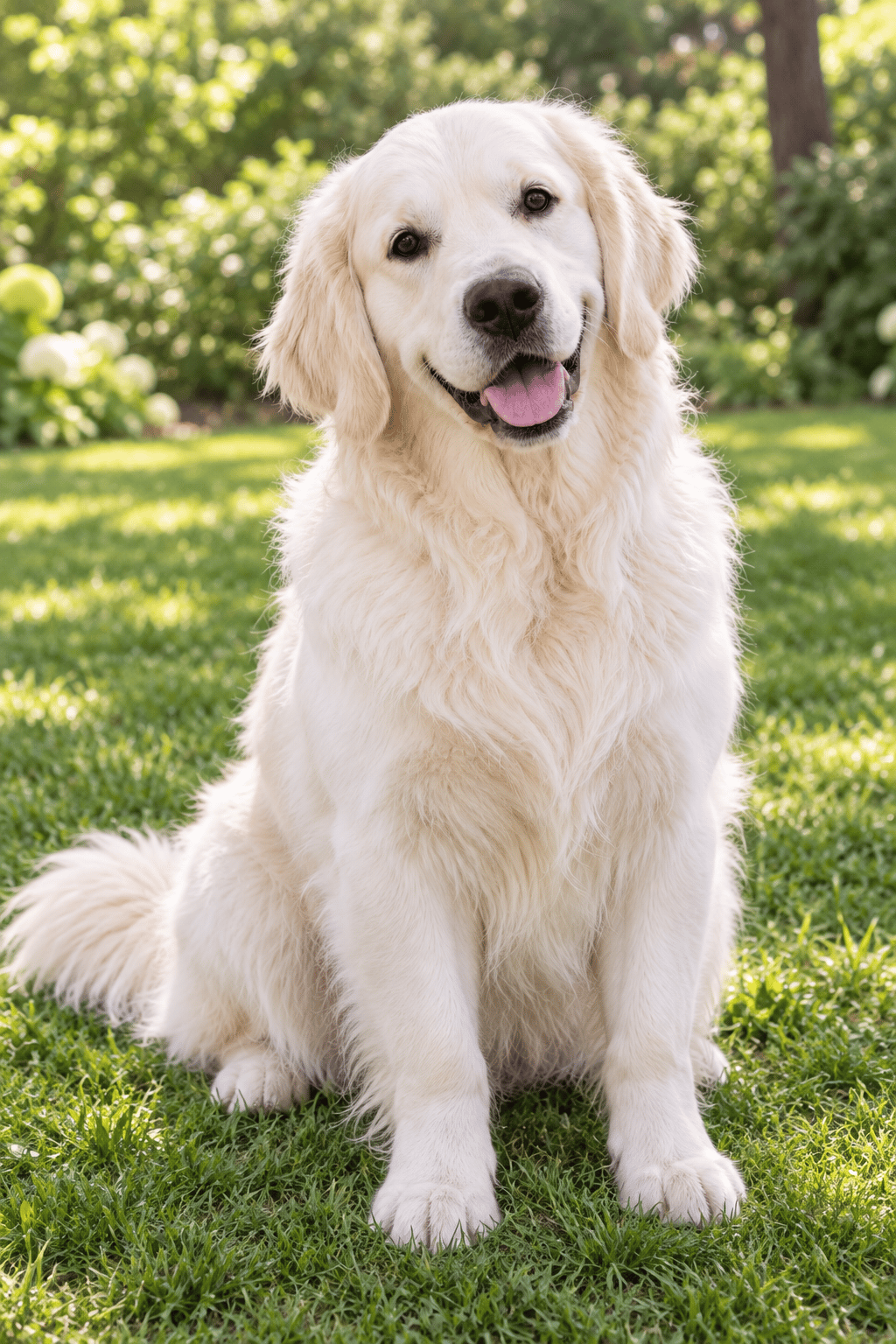
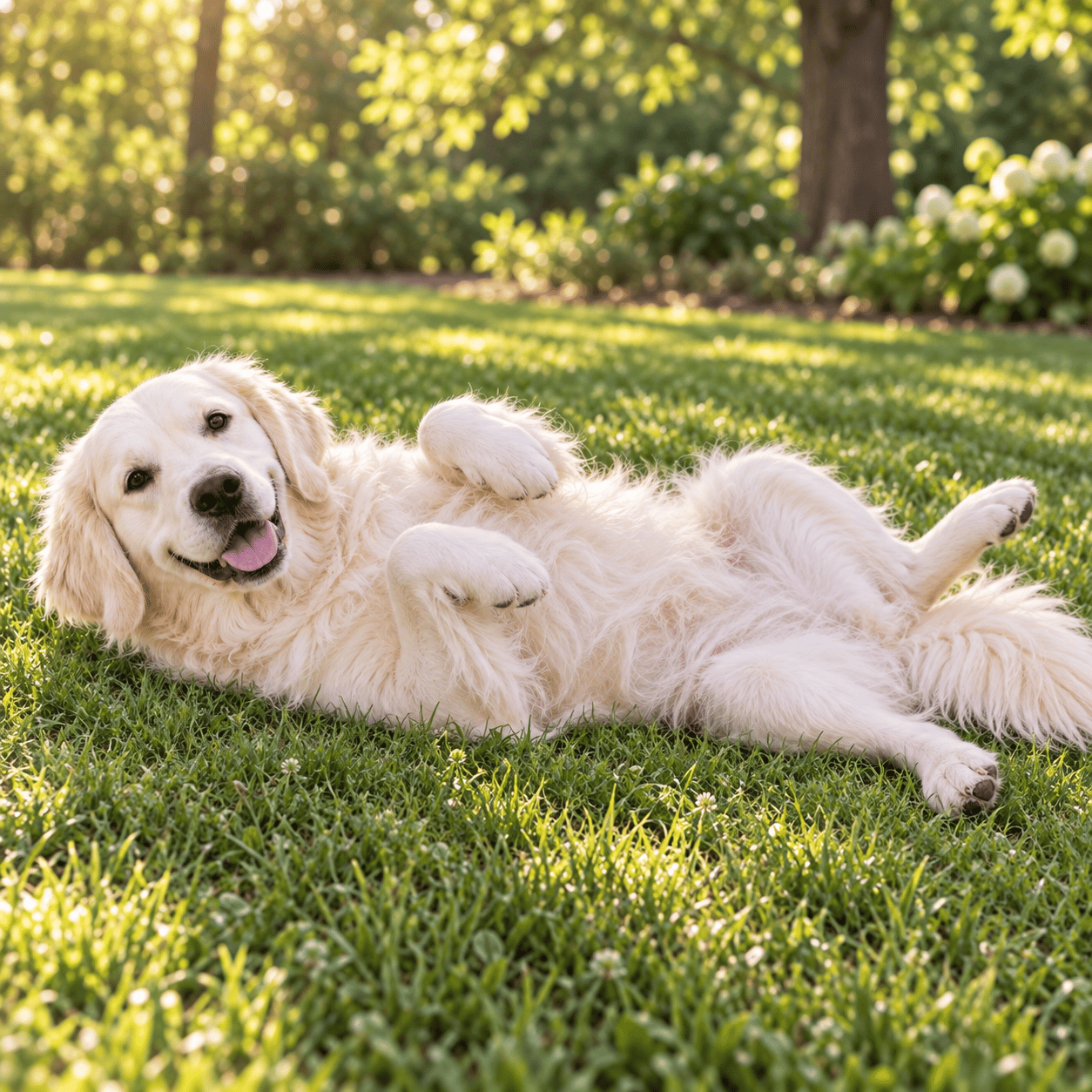
Image generation depends on the character and surface. An image may take longer than a text reply.