Send mediaSend a photo
Send a photo
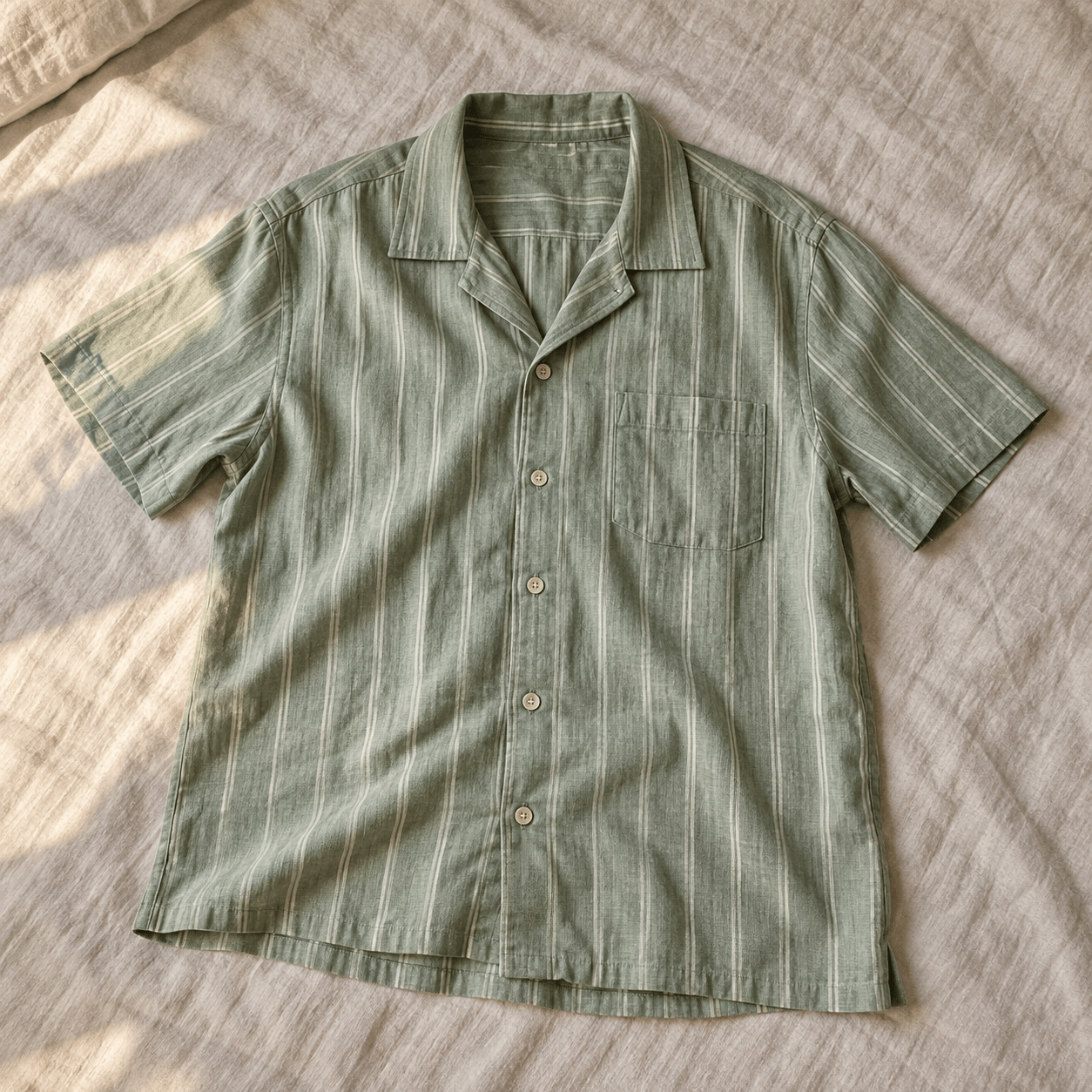
Lets your character understand the image you send and respond to what’s in it.
How it works
- 01
Open the attachment control in a chat that supports images.
- 02
Choose a photo and add a little context.
- 03
Send it with a question to explore the details together.